It's been a few months since my last update! Shortly after publishing that one, I had an idea that probably should have occurred to me a loooong time ago, but better late than never. Working through that idea has been my main focus for the past few months, so we'll talk about that big breakthrough, and also a few smaller things I've been working on along the way.
So what is this brilliant idea? Simple: I'm making placeholder animations for every part of the story that hasn't been recorded with motion capture yet—which is, honestly, still most of it. Until now I've only been able to focus on the beginning of the game, despite having a pretty clear idea of the middle and end as well. Now I'm laying out the whole thing!
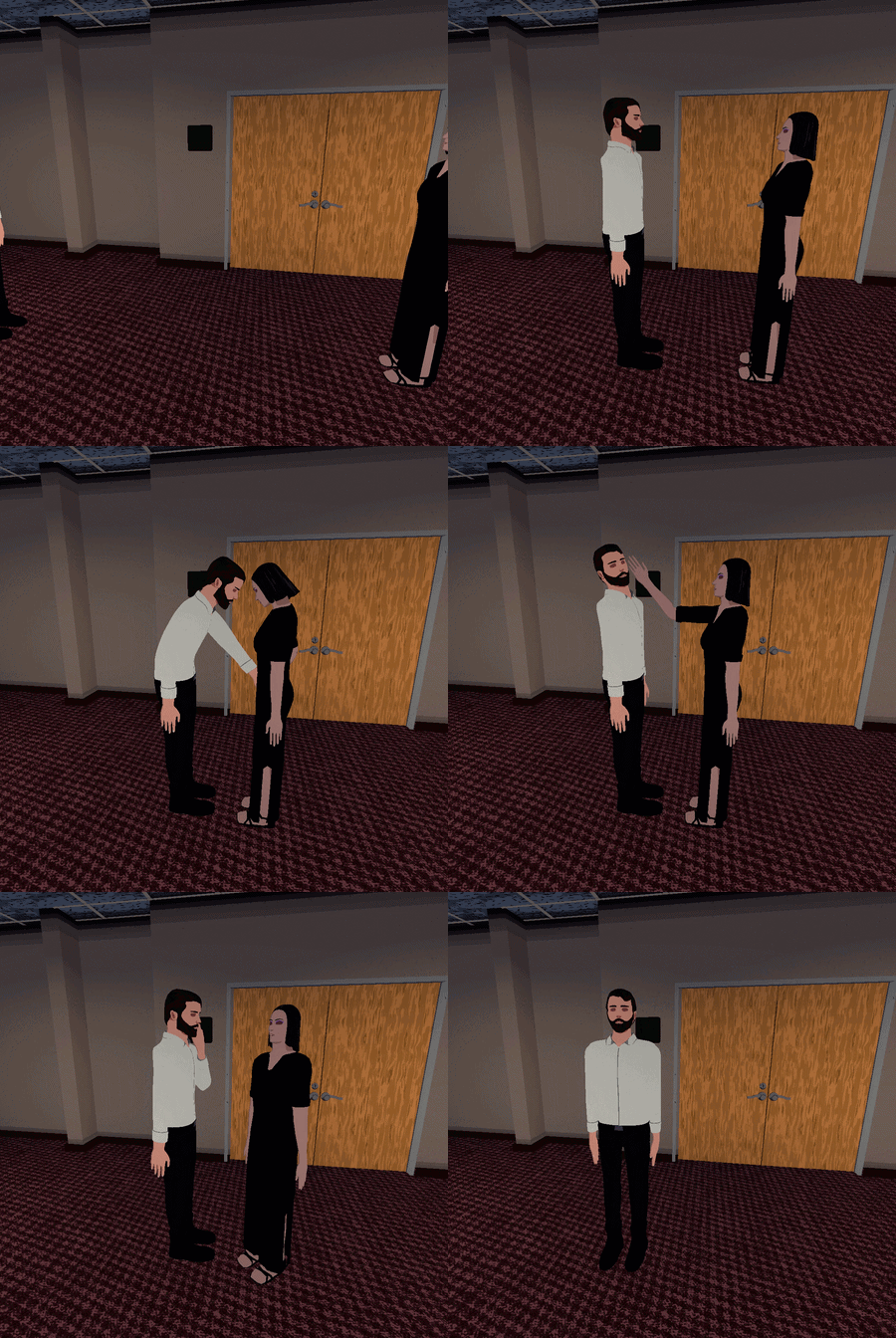
The characters are barely animated in these placeholder drafts, but the real important thing happening here is that the timing between characters and scenes is getting figured out. As a result, it's going to be so much easier to record and implement mocap animations, as well as figure out things like music, since I'll be able to look at the story holistically across time. I'm approaching the end of the story so the drafts will be all finished soon and then I can get back to capturing motion!
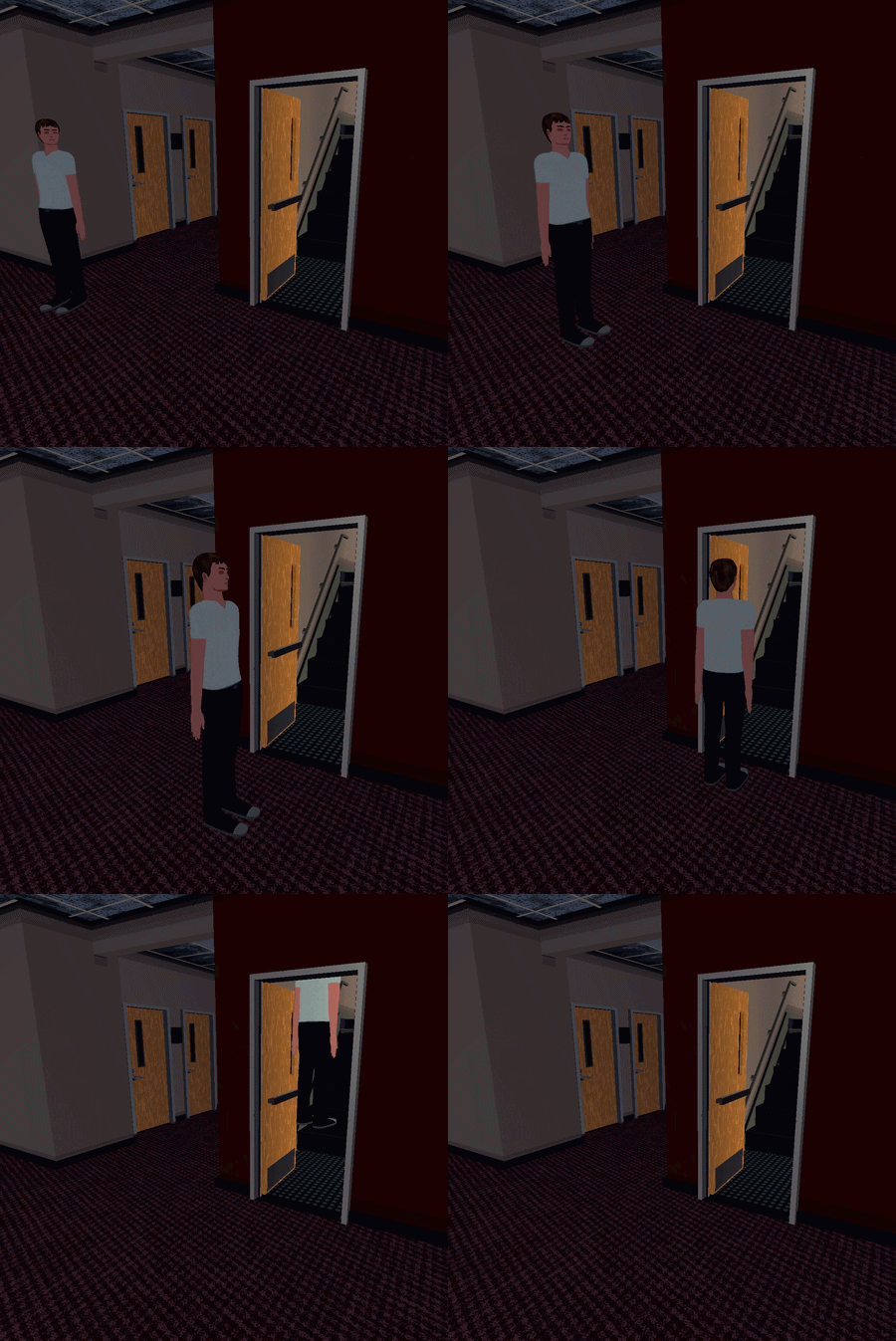
What else have I been doing? Well, in past updates, I've shown off new areas, but those have usually just been rooms of some sort. I did make some more of those, but we're not gonna talk about rooms right now. While working on these draft animations, I was interested in taking some of the action outside, so the east and west sides of the building now open up to the outdoors!
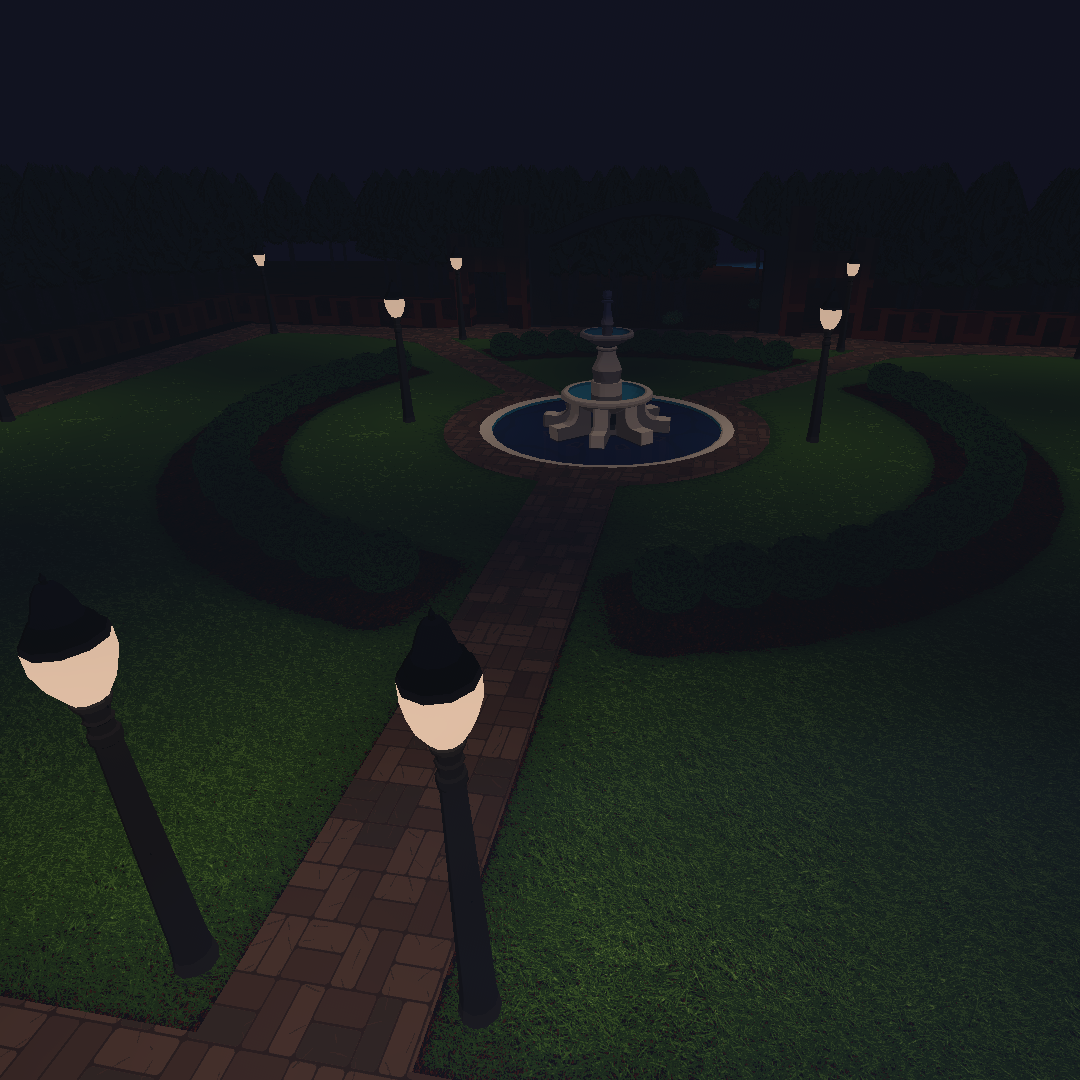
On the west side is a garden with a fountain that should look familiar to any FSU alumni. Beyond that garden is a forest with a pond, but that's still largely under construction.
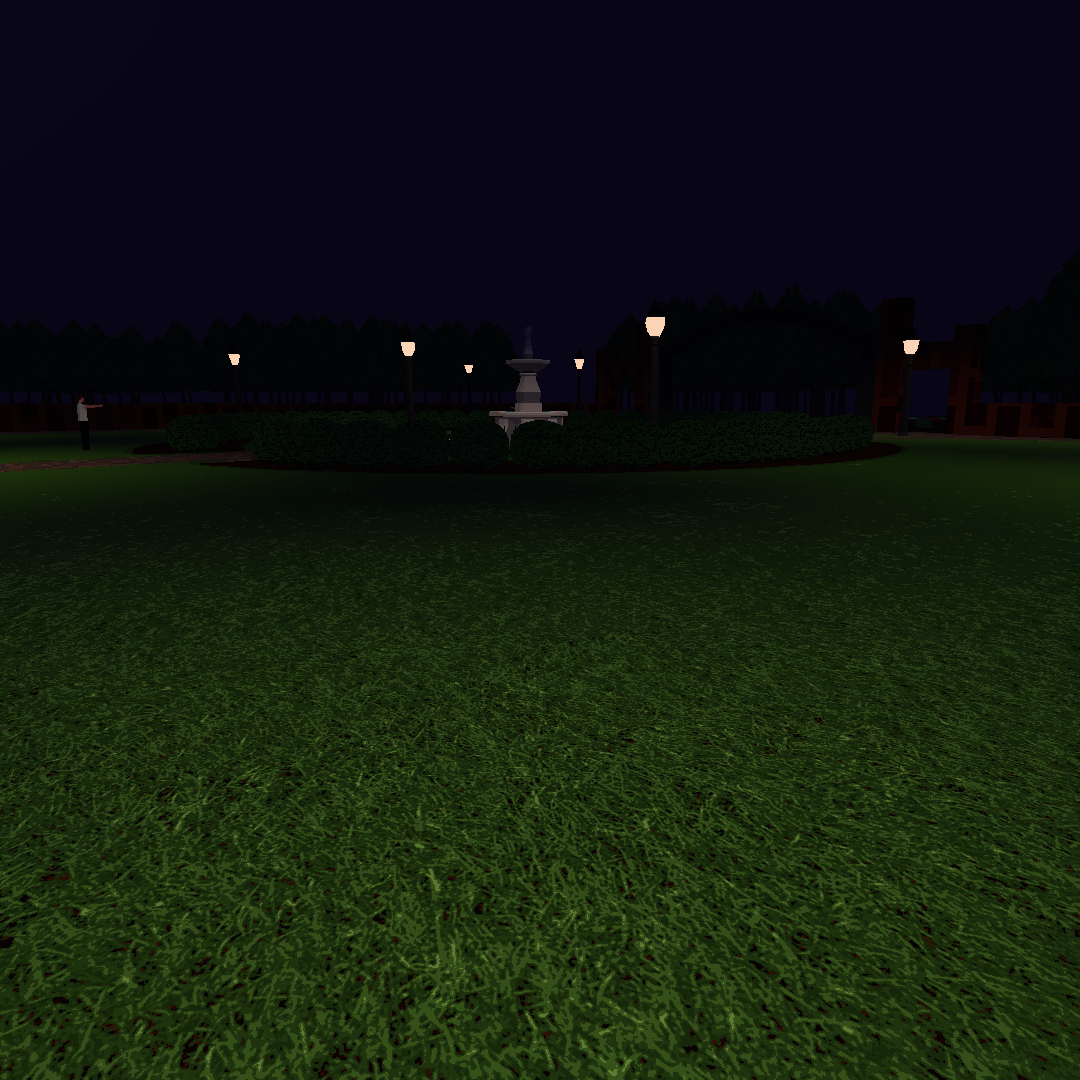
Over on the east side is an area that was pretty tricky to implement, but the idea had been brewing in my mind for a while, so I was determined to figure it out.
If you were fortunate enough to experience a production of Sleep No More, then odds are you don't remember traversing a building—you remember traversing a graveyard, a sanitarium, a city street lined with shops, and countless other locations that magically blended and transitioned from one to another—and they all just so happened to be within the physical confines of one building. I was thinking, how cool would it be if I could do something similar in my game? Really make the player feel like they're seamlessly moving through completely different environments in a way that defies reality?
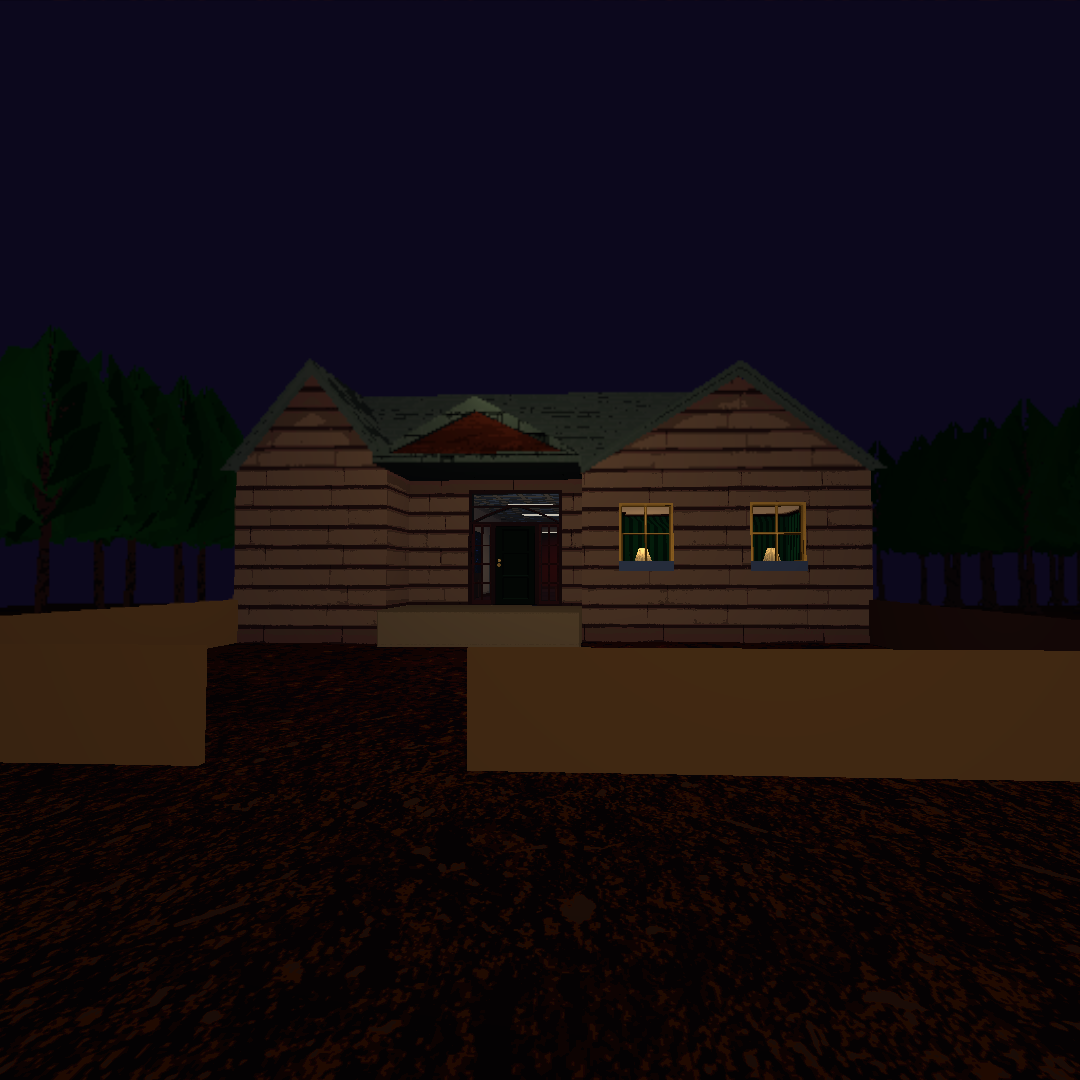
So that's what I set out to do here. The front door of the "home" area featured in the past few updates now leads out to a front yard. Obviously with time there will be grass, and detail, and a million other things. And eventually you'll be able to walk out into the forest as well.
But wait. Up until now, everything—including the home area—has been part of one big, tall building. So how are we suddenly in a cabin in the middle of the forest? Well, the solution involves using a slightly modified version of this code that I found online. Remember Portal? That game with the portals? That's what this guy did the hard work of implementing in Godot. Really impressive stuff. There's no way I'd ever be smart enough to figure out something like that from scratch...but I'm at least smart enough to use it! And this specific instance doesn’t actually involve teleporting the player, I’m just worried about the visual effect.
In the editor, when the game isn't running, this is what that front yard area looks like:
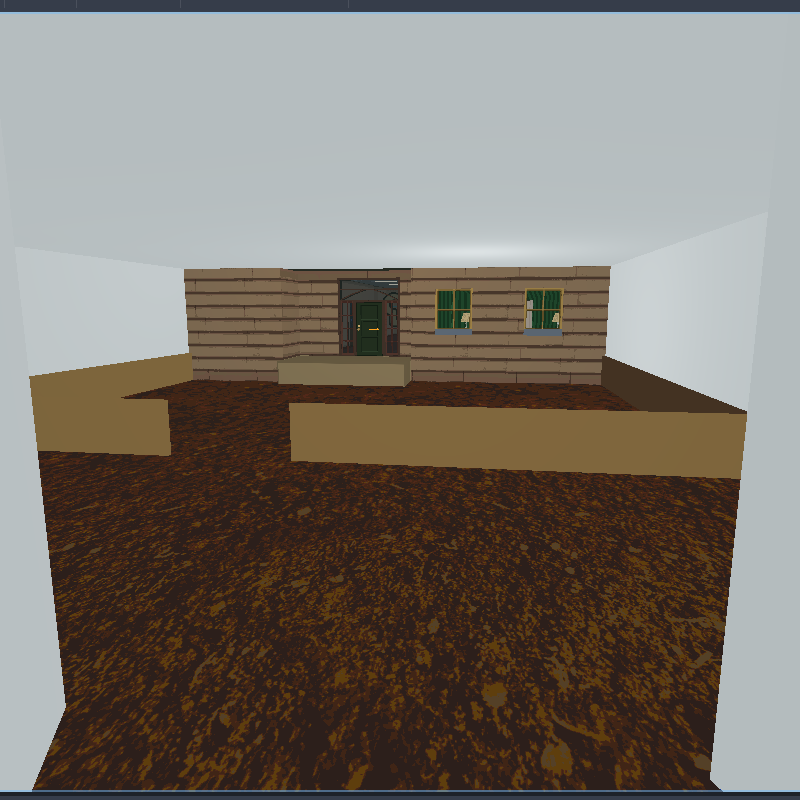
And if you take that white box away, you can see how tightly it's packed in with the rest of the building.
If I actually included the roof with the rest of the house, this is what the room directly above would look like:
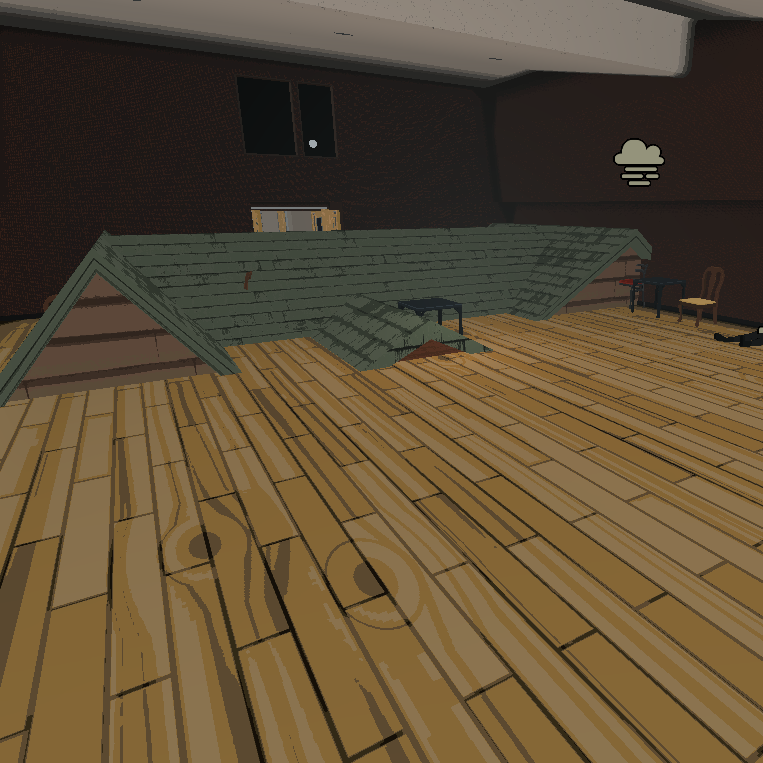
So that begs the question, where’s the roof? And where are all the trees? Well, if you know how 3D skyboxes work, that's basically what's going on here, just on a smaller scale. The house exterior and forest are all being rendered off in the void, far away from the rest of the map. The portal magic seamlessly blends the two areas and gives the illusion of being somewhere completely different!
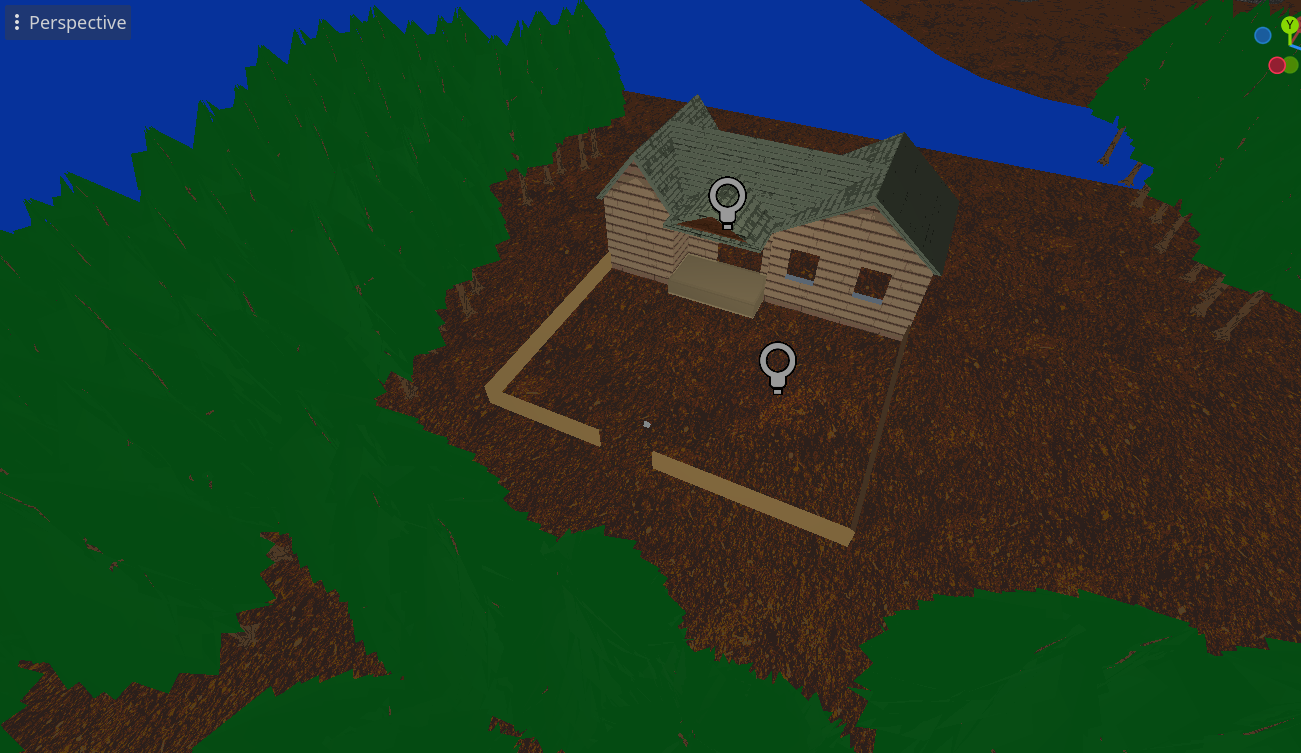
Pretty cool stuff in my opinion, and like I said, it wasn't easy to implement. It was simple enough to get it working on a larger scale than your typical Portal portal, but optimizing it to run well was another beast entirely. That's part of the reason the leaves on the trees have no detail right now, turns out the way I was rendering them was tanking my FPS, so the solid green is just a placeholder, and I've got to figure something else out.
One more thing to share! As I mentioned above, I'm working through the entire story in the form of these draft animations. Another reason that's helpful is because it's forcing me to implement some minor features that I've been dragging my feet on, since I just haven't arrived at a relevant point in the story to focus on them yet. So it's sort of forcing the focus. One of those features is animating decals on top of meshes, which is what we're going to talk about right now!
In layman's terms (and in the example you're about to see) it's like making a bloody wound appear on somebody as they're getting stabbed. Godot has some...finnicky...behavior when it comes to overlaying two meshes in the same exact space. There are built-in solutions, but they all seem to fall apart when I try to use them with the custom shaders I've written. So maybe it's actually my fault and I'm the finnicky one, but literally every object in the game is using a shader like that, so I'm in too deep, and I had to engineer my own solution.
I try not to get too technical in these posts so that anybody can enjoy reading them, but if you're curious how it works under the hood, I'll give a real quick overview for any other freaks and geeks out there. I'm basically hijacking an unused UV layer on all the NPCs, and mapping the decals to the meshes on that layer. It's certainly not the best solution, but it's easy for me to manage, and it works within the confines of the preexisting shader logic. So we'll take it!
How about them placeholder animations? Real top-shelf stuff! That was a higher-quality one than most, believe it or not.
The blood gradually grows over the course of a few seconds, but it's unfortunately kind of hard to see in that example, especially on the neck area. And of course the blood will also be animated a liiiiittle bit better than what you can see in this video. But it’s a start.
And that's all I have to share! It's such a long and excruciating process, and sometimes it feels like there's no end in sight. But sometimes I scroll through these posts and it immediately reminds me how much progress I'm constantly making...feels good. Thanks for reading!
-Tim